Postage Label Printer Explained: A UK Buyer's Guide
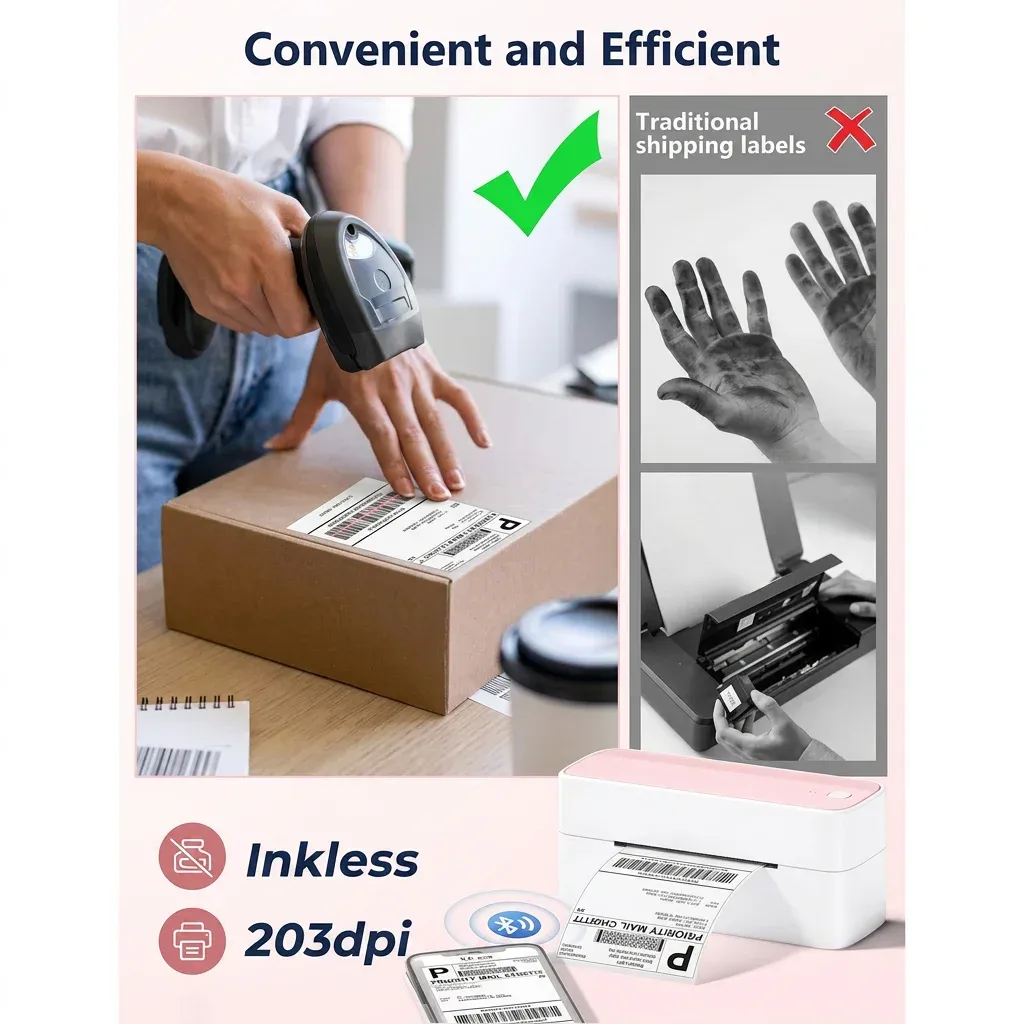
TL;DR: A postage label printer is a dedicated thermal printer for shipping labels, helping UK businesses print Royal Mail and courier labels faster, more clearly and with less hassle than a standard office printer. For most small sellers, a direct thermal 4 x 6 inch (100 x 150 mm) model is the best fit for everyday dispatch.
Key Takeaways
- A postage label printer helps UK businesses print shipping labels quickly, clearly and consistently without relying on ink cartridges.
- For most small businesses, a direct thermal printer is the practical choice for Royal Mail, online marketplaces and day-to-day dispatch.
- Bluetooth connectivity can make packing benches neater and more flexible, especially for home businesses and mobile workflows.
- Compatibility matters: check support for Royal Mail, Etsy, eBay, Amazon, Shopify and courier PDFs before you buy.
- A compact thermal label printer can reduce wasted labels, speed up fulfilment and improve the professionalism of every parcel sent.
A postage label printer is a specialist printer designed to print shipping labels for parcels and letters quickly, reliably and without ink. In the UK, most businesses use a direct thermal model to print Royal Mail, courier and marketplace labels in standard formats such as 4 x 6 inch (100 x 150 mm).
When dispatch starts to take over the kitchen table, stock room or packing bench, the wrong printer becomes obvious very quickly. A standard office printer can handle postage labels in theory; however, in practice it often means paper jams, ink costs, trimming sheets by hand and inconsistent barcodes. A dedicated postage label printer solves that problem by doing one job properly: printing shipping labels fast, clearly and reliably.
For UK sellers using Royal Mail, selling through marketplaces or managing growing order volumes, that difference matters. Cleaner labels can support successful barcode scanning. Faster print times can shave minutes off every dispatch session. Smaller hardware can also free up valuable workspace. As a result, for many businesses a thermal label printer is not a luxury add-on; it is one of the first real upgrades that makes fulfilment feel manageable.
ThermalLab’s focus is simple: a thermal label printer for faster UK dispatch. Based on our testing with common ecommerce workflows used by British small businesses, the most useful models are compact, easy to set up and compatible with the platforms sellers already rely on. If you are comparing options and trying to work out what actually matters before buying, this guide breaks it down clearly.
What is a postage label printer?
A postage label printer is a dedicated printer designed to produce shipping labels for parcels, letters and fulfilment operations. In the UK, that usually means printing address labels, courier barcodes and service information for platforms such as Royal Mail Click & Drop, marketplace seller dashboards and ecommerce stores.
Most modern postage label printers used by small businesses are thermal printers. Instead of using toner or ink cartridges, they create an image using heat. For day-to-day shipping labels, this is usually done with direct thermal technology. Therefore, you get a compact machine built specifically for repetitive label printing rather than general office tasks.
If you are new to the category and want a broader overview of formats, setup options and use cases, read The Ultimate Guide to Shipping Label Printer in the UK. It provides useful background before narrowing your shortlist.
Why do UK businesses use a postage label printer?
Does a postage label printer make dispatch faster?
The main reason businesses upgrade is speed. Printing one sheet at a time from an office A4 printer slows everything down. You may need to align templates correctly, peel labels from sheets or cut paper manually. By contrast, a dedicated postage label printer produces one label at the required size with far less handling.
This is especially helpful during seasonal peaks such as Black Friday trading, Christmas gifting periods or marketplace promotions. Even saving 20 to 30 seconds per parcel adds up across dozens or hundreds of orders.
Is a thermal postage label printer cheaper to run than an ink printer?
Thermal printing removes one of the biggest annoyances in dispatch: replacing ink. Inkjet cartridges dry out. Toner adds cost. Office printers are also rarely designed around constant single-label output. With a thermal unit, you simply load the right labels and print.
Do postage label printers print clear enough barcodes?
Shipping labels must be readable by humans and machines. Smudged text or faint barcodes can create friction in the delivery chain. While couriers have robust systems, poor print quality always increases risk. A purpose-built postage label printer produces sharp black marks on white labels that suit barcode scanning well.
Are compact postage label printers better for small packing spaces?
Compact printers matter in smaller British workspaces. Many microbusinesses dispatch from spare rooms, salons, workshops or shared retail backrooms rather than large warehouses. Consequently, a compact Bluetooth model keeps cables to a minimum and takes up far less room than an office multifunction device.
How does a thermal postage label printer work?
The majority of ecommerce sellers will be looking at a direct thermal model. Direct thermal printers use heat-sensitive media; the printhead activates areas of the label to create text and graphics. There is no ribbon and no cartridge system involved.
This makes them well suited to shipping labels because postage information does not need archival life measured in years under sunlight or abrasion. Instead, it needs to remain legible through storage, sorting and delivery. Based on our testing across standard parcel workflows in the UK, direct thermal technology is usually ideal for routine dispatch tasks.
What is the difference between direct thermal and other printing methods?
- Direct thermal: best for most shipping labels; low maintenance; no ink required.
- Inkjet: workable but often slower and more expensive over time for dispatch-only use.
- Laser: crisp output on paper sheets but still less convenient than roll-fed label printing for frequent fulfilment.
- Thermal transfer: useful for more durable industrial labelling but often unnecessary for standard ecommerce postage needs.
If your main use case is standard parcel dispatch through British carriers and marketplaces, direct thermal remains the sensible default choice.
What size labels does a postage label printer use?
The most common format for shipping is the 4 x 6 inch label size because it works well with many courier-generated PDFs and platform outputs. In millimetres that is roughly 100 x 150 mm. It gives enough room for addresses, service details and barcodes without scaling down important data.
That said, some UK services also support other dimensions depending on workflow or packaging type. Before buying any postage label printer, check:
- whether your platform exports 100 x 150 mm labels by default;
- whether Royal Mail services you use support your chosen layout;
- whether integrated apps let you resize or rotate output properly;
- whether your chosen label rolls are easy to source in the UK.
A good buyer’s rule is simple: choose a machine that supports widely used shipping formats rather than locking yourself into obscure consumables or awkward page sizes.
Which features matter most when buying a postage label printer?
Can it print Royal Mail and courier labels properly?
The first thing to check is compatibility with your actual dispatch workflow. A good postage label printer should work smoothly with Royal Mail Click & Drop as well as common courier-generated PDFs used by EVRi, DPD and other delivery services operating in the UK. According to current platform conventions used by many British sellers, support for standard 100 x 150 mm outputs is especially important.
h3>Ready to try ThermalLab?
Shop Now — £71.63